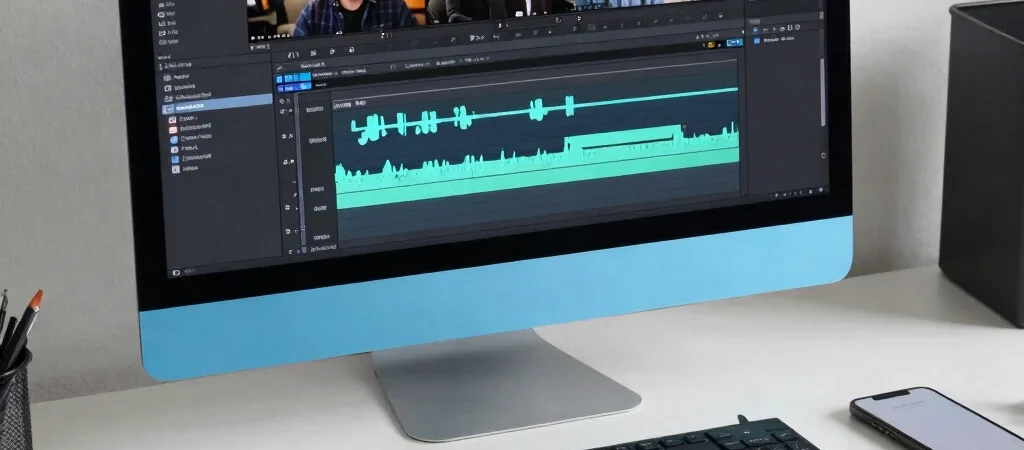
The first draft of a faceless video often looks deceptively simple: a script, a voice track, and footage on a timeline. The hard part is making those pieces feel like one useful story instead of a stack of generated assets. A reliable workflow gives every tool a specific job and leaves room for a human check before publishing.
Start With the Viewer
Write down what a viewer should understand or be able to do after watching. Use that answer to shape the opening, the order of the main points, and the closing takeaway. If a sentence does not support that path, cut it before you generate narration or search for visuals.
Keep the first script short enough to review closely. Read it aloud, even if you plan to use an AI voice, and mark phrases that sound stiff, unclear, or too dense for a spoken explanation. This is also the moment to check names, figures, and claims against sources rather than hoping an editing pass will catch them.
Make Each Tool Earn Its Place
Choose visuals after the script has a clear sequence. For each section, decide whether a screen recording, diagram, licensed clip, or generated image would explain the point best. Keep a note of where each asset came from and review its usage terms before it enters the project.
Generate or record narration only after the wording is stable. Place the audio on the timeline, then add visuals to match the ideas and natural pauses rather than filling every second with motion. Watch the rough cut once without stopping; any section that feels confusing or padded is easier to fix now than after captions and effects are finished.
Review Before You Publish
Check the finished video on a phone as well as a computer. Confirm that captions are readable, the voice remains clear over music, and important text is not hidden by the player interface. Review the platform's current rules for synthetic media and disclosure before publishing, since requirements can change.
When comparing software for this workflow, write down what you tried, the current price you verified, and any limits or terms that affected your decision. Screenshots can show the exact settings or plan information you checked, but they are evidence of your process, not proof that a tool will work the same way for every creator. If a link earns a commission, say so plainly and let the workflow evidence carry the recommendation.